
Food Scrap Collection Simulator
Design, simulate, and optimize pick up operations.
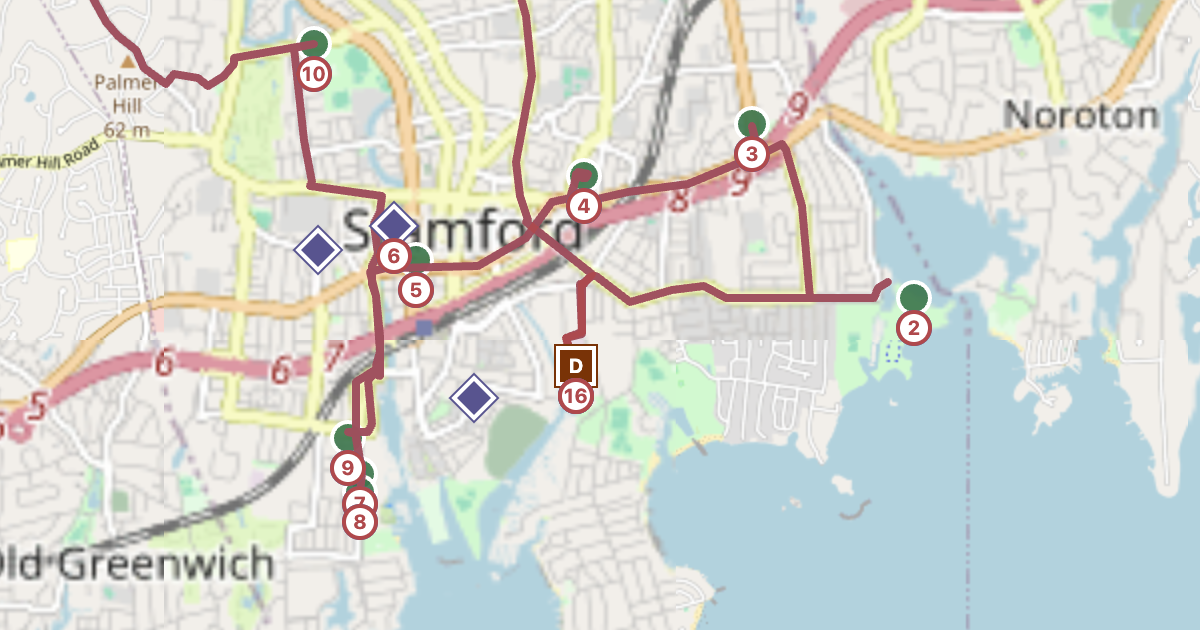
Model food-scrap collection for any city or town. See route mileage, truck loads, overflow, labor hours, and operating cost before trucks hit the road.
How it works
Four screens, in order. Use the links in the top navigation bar to move between them.
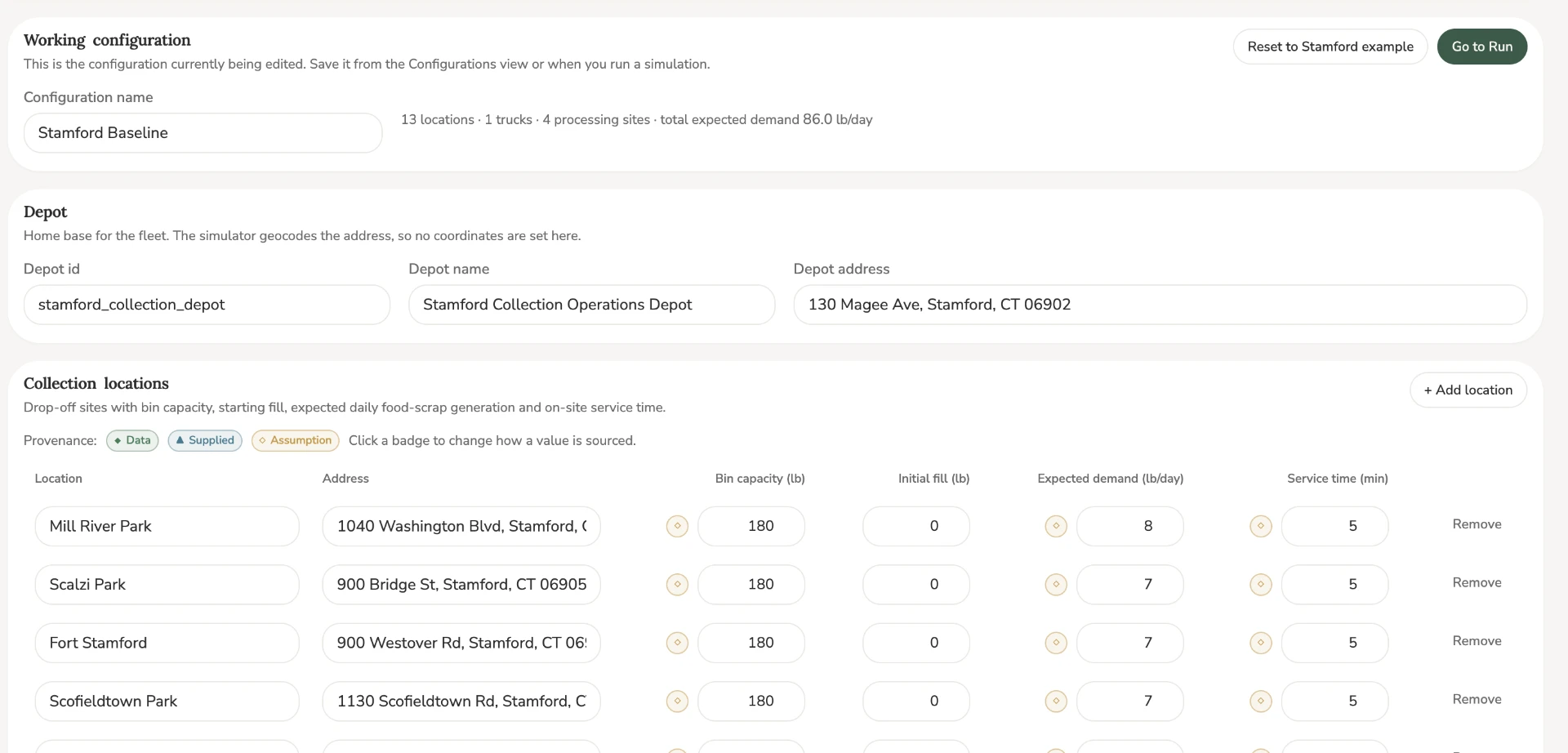
Step 1: Open "Program" and enter your drop-off sites
Click "Program" in the top bar. Type the depot address, then add each food-scrap drop-off site with its street address, bin capacity, expected daily pounds and service time. Use "+ Add location" for more rows and "Remove" to delete one. "Reset to Stamford example" restores the sample data.
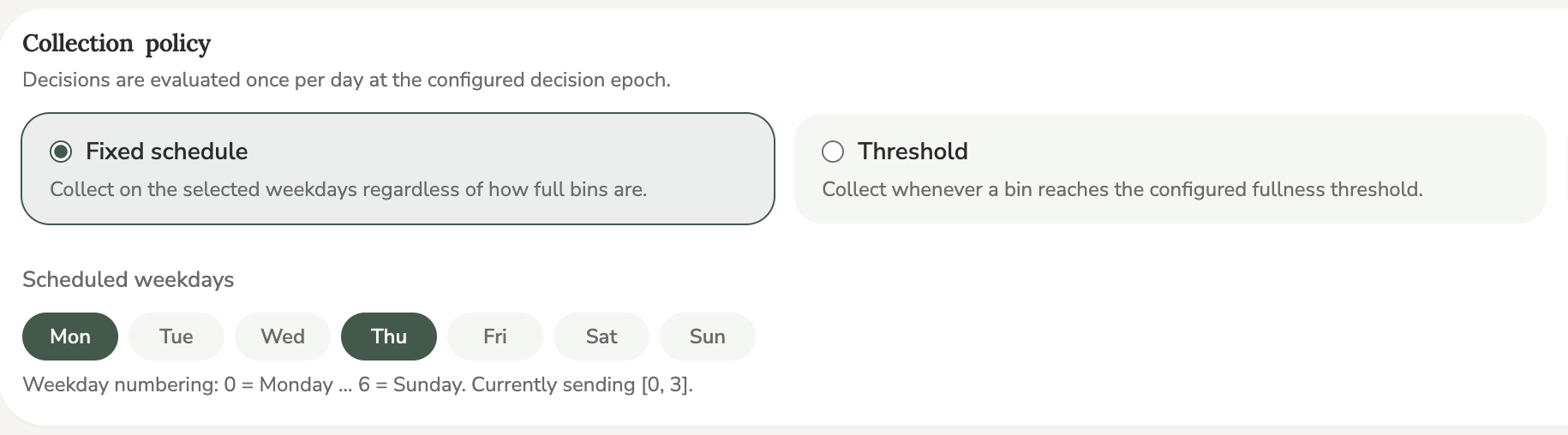
Step 2: Open "Policy" and choose when trucks collect
Click "Policy". Pick "Fixed schedule" and tap the weekday pills for collection days, or pick "Threshold" and set how full a bin must be before a truck is sent.
Step 3: Open "Run" and press "Run Simulation"
Click "Run" to review your setup, then press the "Run Simulation" button. The first run can take up to a minute while the simulator starts. If an address is missing, the page tells you what to fix.
Step 4: Read "Results", then "Map" and "Compare"
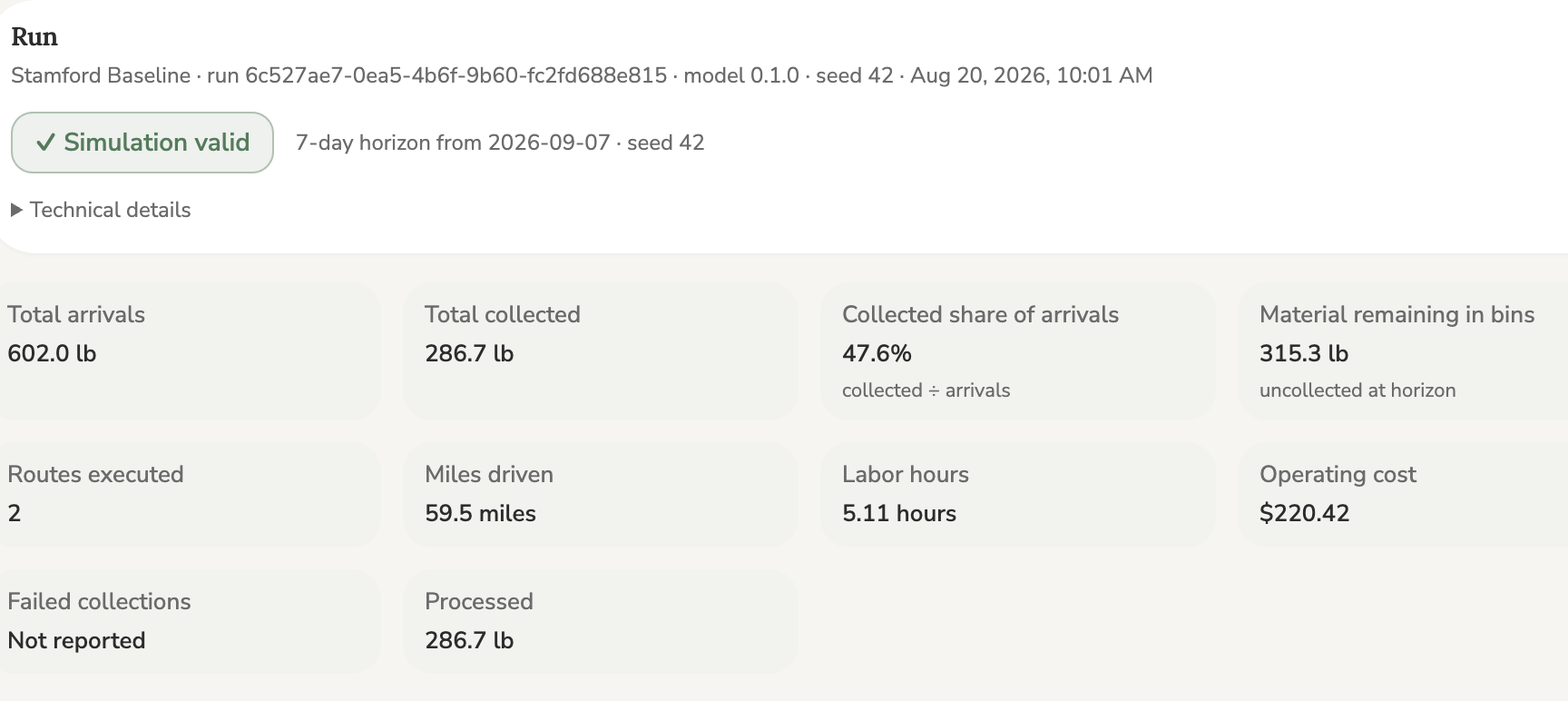
Results shows pounds collected, miles driven, labor hours and operating cost. "Map" draws the road routes and stop order. "Compare" puts two runs side by side so you can see which setup performs better.
Working configuration Stamford example with 13 collection locations